
Getting found (SEO) Plumbing & HVAC
Service-Area Business on Google: Hide Your Address or Not?
Most plumbing and HVAC shops count as service-area businesses on Google. When to hide your address, how to set up to 20 service areas, and what to match.
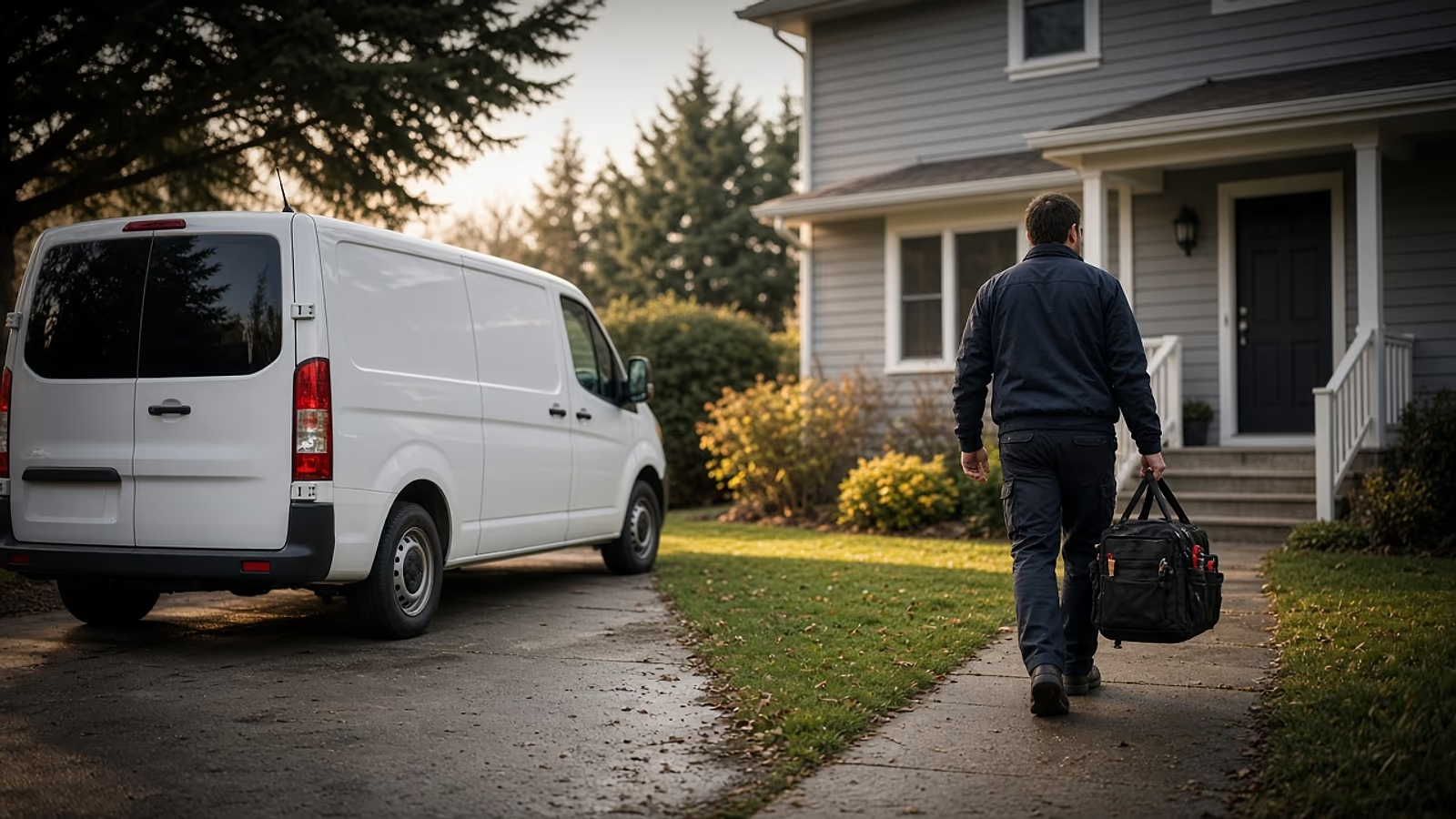
Yes, most plumbing and HVAC companies should hide their address on Google. Google calls a business that goes to its customers, instead of serving them at its own address, a service-area business, and it names plumbers as an example. If customers don’t come to your shop, turn off your address in your Business Profile, list up to 20 real service areas, and make your website say the same thing.
The exception is a shop with a staffed counter or showroom that customers actually walk into. That’s a hybrid business, and it can show both. Below is how to tell which one you are, the exact steps, and what your website needs so it doesn’t contradict your profile.
What is a service-area business on Google?
It’s a business that visits or delivers to customers but doesn’t serve them at its own address. That’s Google’s wording on its service areas help page, and plumbers are one of the two examples it gives.
Think about where the work happens. A no-heat call, a slab leak, a water heater swap, an AC that won’t start on the hottest day of July: the truck goes to the house. Nobody drives to your place with a furnace in the back seat. For a typical one- to ten-truck shop, that makes you a service-area business, whether you run things from a spare bedroom, a rented bay or a fenced yard full of trailers.
Google sorts profiles into three kinds:
| Type | Customers come to you? | What your profile shows |
|---|---|---|
| Storefront | Yes, at a staffed location | Address |
| Service-area | No, you go to them | Service area only |
| Hybrid | Yes, and you also go to them | Address and service area |
Should a plumbing or HVAC company hide its address?
If customers don’t visit your address, yes. Google’s guidelines for representing your business say a service-area business should hide its address, and the example they use is a plumber who runs the business from a residential address.
Plenty of owners leave the address showing because it feels more legitimate. The problem is what a homeowner does with it. They see a pin on the map, assume they can drop by, and pull up to your house on a Saturday. Or they see your home address next to a 2-star review and decide not to call. Hiding it doesn’t make you look smaller. It tells people the truth: you come to them.
When can you show it? Google treats you as a hybrid business only if the location is staffed and able to receive customers during the hours you list, and it has permanent signage with your business name. Google’s service-area page is blunt about it: without permanent on-site signage, you’re not eligible as a storefront. A staffed, signed plumbing supply counter open to the public can count. So can an HVAC showroom where people come to look at equipment. A home office, a shop you only use to load trucks, or a yard behind a locked gate doesn’t.
Two addresses Google rules out entirely: PO boxes and virtual offices. Its guidelines say a rented mailing address you don’t actually operate from isn’t eligible for a Business Profile at all.
How do you hide your address and set service areas?
You do both from the same Location screen in your Business Profile. Google’s help page on managing your business address gives these steps:
- Sign in to the Google account that manages your profile and go to your Business Profile.
- Select Edit profile, then Location.
- Next to “Business location,” select Edit.
- Turn off Show business address to customers.
- Select Save.
Then set where you work, from the same Location screen:
- Next to “Service area,” select Edit.
- Pick a suggested area or type in the cities, ZIP codes or postal codes you serve.
- Select Save.
Do the second part right away. Google says that if you hide your address and don’t enter a service area, it picks a local area for you. That default may not match where your trucks actually go.
Your address doesn’t disappear from your account, either. Google still asks for a business address it can find so it can verify the business; the toggle only controls whether customers see it. Google says approved service-area edits can take up to 48 hours to show, so don’t panic if nothing changes before lunch.
How many service areas can you add, and how far can they go?
Up to 20, set by city, ZIP or postal code, or another named area. You can’t draw a radius anymore. Google also recommends keeping your overall area within about 2 hours of driving time from where your business is based, though it notes a larger area may suit some businesses.
Twenty sounds like a lot until you try to cover a metro area with ZIP codes. For most shops, cities and towns work better. A suburban HVAC company might list the county seat, the eight or nine towns around it, and stop there. A rural plumber might add a few larger towns plus the region they sit in.
The temptation is to pad the list with the big city an hour away because that’s where the searches are. Google asks you to be “as specific and accurate as possible.” If you wouldn’t send a truck there for a clogged kitchen sink on a Tuesday, leave it off. A homeowner who calls from a town you don’t serve isn’t a lead. They’re a wasted call and, sometimes, an annoyed review.
The 2-hour guideline is about the whole area, not one job. Ask yourself where your techs spend most of their day, and draw the list from that.
What should your website say so it matches your profile?
The same things, in the same words: your business name, your phone number and the towns you serve. Google’s local ranking help page says businesses with complete and accurate information are more likely to show up in local search results, and a website that agrees with your profile is part of looking like one real, consistent business.
A few practical checks for a plumbing or HVAC site:
- Name. The one on your trucks and invoices, written the same way everywhere. Google’s guidelines don’t allow extra keywords in the profile name, so “Smith Plumbing” stays “Smith Plumbing,” not “Smith Plumbing Emergency Drain Cleaning Springfield.”
- Phone. The same number that’s on your profile, easy to tap on a phone.
- Service area. A plain sentence or short list of the towns you cover, on your homepage or contact section. It should match the list in your profile.
- Address. If you hid it on Google because it’s your house, don’t put it in your website footer either. A city and state or province is enough.
One thing not to do: build a stack of near-identical pages, one per town, just to catch searches. They don’t help the homeowner and they read like filler. Our page on plumbing websites shows what an honest service area looks like, and the same idea applies to HVAC websites, where a no-heat call in January needs the phone number and the service towns in the first screen.
If your profile and your site already match, you’re ahead of a lot of shops. If they don’t, the fix is usually an afternoon: hide the address, set the real towns, and update the website so it says the same thing. Every TruckToWeb plan includes tap-to-call and a service area section, and we use the same details you have on your Google profile. You can compare TruckToWeb plans.
Frequently asked questions
Will hiding my address hurt my ranking on Google?
Google doesn't promise a ranking change either way. Its help page on local ranking says results are mainly based on relevance, distance and how well-known a business is, and it asks for your full address only if customers can visit your location. Hiding an address you shouldn't be showing keeps your profile inside Google's rules, which matters more than any guess about ranking.
Can I have two Google profiles to cover two towns?
Not for one crew covering a wider area. Google says service-area businesses can only have one profile for the whole area they serve. A second profile is allowed only for a genuinely separate location with its own service area and its own staff.
Can I use a PO box or a virtual office as my business address?
No. Google's guidelines say PO boxes and mailboxes at remote locations aren't acceptable, and a rented mailing address you don't operate from, also called a virtual office, isn't eligible for a Business Profile. Use the real address you run the business from and hide it if customers don't come there.
How long do service-area changes take to show up?
Google says approved service-area edits may take up to 48 hours to appear on your Business Profile. Other profile changes usually show in about 10 minutes, but Google notes that in some cases they can take up to 30 days.
What if I have a real showroom or parts counter?
Then you may be a hybrid business. Google lets hybrid businesses show their address and a service area, as long as the location has permanent signage and is staffed and able to receive customers during the hours you list. A home office or a locked yard that customers don't visit doesn't qualify.
Related articles

How to Get Your Google Review Link and QR Code
Copy your Google review link and QR code from your Business Profile in a few minutes, then put it on invoices, texts, trucks, cards and your own website.
· 5 min read
25C Heat Pump Tax Credit Ended: What to Fix
The federal 25C credit doesn't cover heat pumps placed in service after Dec. 31, 2025. Here's what HVAC contractors should fix on websites, quotes and ads.
· 6 min read
How to Ask for Google Reviews: Trade Scripts
Word-for-word texts and doorstep scripts plumbing and HVAC shops can use to ask for Google reviews, plus the Google, FTC and CASL rules that keep it clean.
· 8 min read