
How Plumbing and HVAC Shops Should Handle After-Hours Calls
On-call tech, answering service or voicemail? How small plumbing and HVAC shops can handle after-hours calls, sort emergencies and stay honest about 24/7.
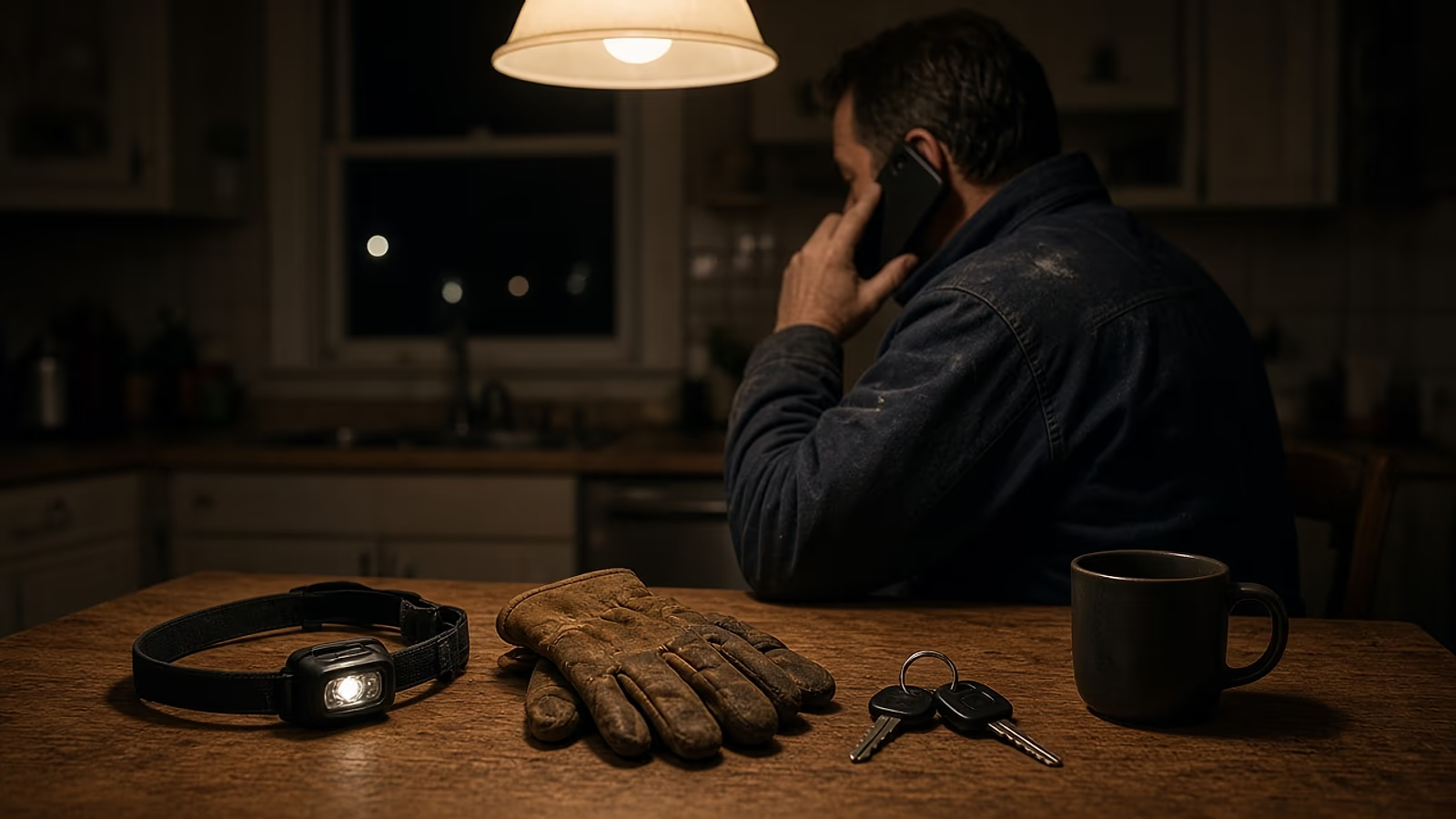
After-hours calls in a plumbing or HVAC business go best when you pick one setup you can keep up all year: the owner on call, a rotating on-call tech, or an answering service that sorts real emergencies from morning jobs. Write down what counts as an emergency, tell callers your after-hours fee before you roll a truck, and only say 24/7 on your website and Google profile if someone really answers.
That last part matters most. When a 24/7 banner meets a phone that rings out at 11 p.m., the customer calls the next shop, then writes a review.
What counts as an after-hours emergency?
An emergency is anything that gets worse or becomes unsafe by morning: active water nobody can shut off, a sewage backup, no heat in freezing weather, or no cooling for someone vulnerable in extreme heat. A dripping faucet can wait. Write your own list down so everyone answers the same way.
Here’s a starting point. These are examples, not industry rules, so adjust them for your area.
| Roll a truck tonight | Book the first morning slot | |
|---|---|---|
| Plumbing | Burst or leaking pipe that won’t stop at the shut-off, sewage coming up a drain, water heater leaking with no way to isolate it | Slow drain, running toilet, dripping faucet, low water pressure, a quote for a new water heater |
| HVAC | No heat in freezing weather, no cooling with an infant, an older person or someone with a health issue in the house during a heat wave | Unit making noise but running, one room warmer than the rest, thermostat questions, tune-up requests |
One line has to come first in every script, voicemail and answering-service instruction. A caller who smells gas should leave the building first and call for help from outside. The US Pipeline and Hazardous Materials Safety Administration’s leak guidance says to leave the area by foot immediately and call 911 from a safe location, and not to create a spark with things like an electrical switch. In Canada, follow your local gas utility’s guidance: FortisBC in British Columbia, for example, says to go outside first, then call its emergency line or 911. For carbon monoxide, the US Consumer Product Safety Commission says that if you suspect CO poisoning, get outside to fresh air immediately, and then call 911. Your job on that call is to get them out, not to troubleshoot.
For water, a little coaching helps. Ask if they know where the main shut-off is, usually where the line enters the house, near the meter or in the basement or garage. For a leaking water heater, the cold supply valve on top can stop the flow. Keep it to plain, safe steps like these, with no electrical or gas instructions over the phone.
No-heat and no-cool calls are why we put tap-to-call on every screen of an HVAC website. It only works if someone answers, though.
On-call tech, answering service or voicemail: which fits a small shop?
A solo owner usually takes the calls. With three or more techs, a rotation spreads the load. An answering service puts a live person on every call and pages your on-call tech only for real emergencies. Voicemail alone is fine too, if your website and Google profile clearly say you don’t take after-hours calls.
| Setup | Who picks up | What it costs you | What can go wrong | Best for |
|---|---|---|---|---|
| Owner on call | You | Your sleep, every night | Burnout, missed calls when you’re on a job | Solo shops, early on |
| Rotating on-call tech | Whoever has the week | On-call pay and a truck at home | No backup if the tech sleeps through it | Shops with 3+ techs |
| Answering service | A live operator | A monthly service fee | Operators who don’t follow your emergency list | Shops that want every call answered |
| Voicemail and morning callback | Nobody, until morning | Lost emergency jobs | Angry callers if your site says 24/7 | Shops that don’t do emergencies |
How do you set up an on-call rotation?
Put five things in writing: who’s on each week, how calls get forwarded to their phone, what on-call pays, when the week starts and ends, and who the backup is (usually the owner) if the tech doesn’t pick up within a set number of minutes. Without a backup, one missed call can cost you the job and the review.
Pay has a legal side. In the US, the federal rule at 29 CFR 785.17 says an employee who must stay on call on the employer’s premises, or so close that they can’t use the time effectively for their own purposes, is working while on call. The Department of Labor’s Fact Sheet #22 says an employee on call at home is “not working (in most cases),” but “additional constraints on the employee’s freedom could require this time to be compensated.” Time spent actually handling calls and jobs is generally work time. Your state may add its own rules, and in Canada employment standards are mostly set by each province or territory. This isn’t legal advice: check with your state or provincial labor office, an employment lawyer or your payroll provider.
What should you ask an answering service before you sign?
Call center or AI receptionist, ask the same things. Will it follow your written emergency list word for word? Who does it page, and what if that person doesn’t answer? Does it book jobs or only take messages? Can you hear call recordings? Will it read your gas and CO safety line first? If not, it’s an expensive voicemail.
If you run Google Local Services Ads, missed calls cost twice. Google says a missed call during your profile’s business hours can be charged as a lead if the caller stays on more than 20 seconds, and that “missed calls may negatively affect your responsiveness” in ad rankings. More in Local Services Ads vs SEO.
How do you triage calls so you only roll a truck when it matters?
Ask four questions on every call. What’s happening right now? Can you stop it with the water shut-off or the thermostat? Is anyone at risk, like a baby or an older person with no heat in freezing weather? Will it get worse by morning? If it can’t wait, quote the after-hours fee and dispatch. If it can, book the first morning slot.
Give the owner, techs and answering service the same script:
“Thanks for calling {company}, this is the after-hours line. If you smell gas or think there’s carbon monoxide, please leave the house and call 911 from outside. Otherwise, tell me what’s going on. [Ask the four questions.] Okay, this sounds like it can’t wait. Our after-hours rate is {after-hours fee}. Do you want us to send someone tonight?”
And when it can wait:
“Good news, this one can wait until morning without getting worse. I can put you in at {morning slot}. I’ll text you the appointment time so you have it.”
If you text that confirmation, make sure the customer is fine with texts. Our guide on asking customers for Google reviews covers the consent basics.
Log every after-hours call (time, problem, decision) and review it with your techs once a season. Your emergency list gets better each year.
Should you charge an after-hours fee, and should you say so?
Many shops charge more for nights, weekends and holidays. Whatever you charge, say it before the tech leaves: on the phone, in the booking text and on your website. A customer who hears the fee first can choose. One who finds it on the invoice tends to write about it.
There’s a legal angle too. In the US, the FTC’s Advertising FAQ’s: A Guide for Small Business says advertising must be truthful and non-deceptive, and that an ad is deceptive if it contains a statement, or omits information, that is likely to mislead consumers acting reasonably and is important to their decision. In Canada, the Competition Bureau’s advertising dos and don’ts tells businesses not to offer a product or service “at a price that is unattainable because consumers must also pay additional charges or fees,” unless those charges are government-imposed, like sales tax. State and provincial consumer laws can add their own rules, so this isn’t legal advice. The practical version: if your website shows a price for anything, put the after-hours fee right next to it, not in fine print.
What should your website and Google profile say about hours?
Show your real hours in both places, and make them match. If you really answer around the clock, set your Google Business Profile to 24 hours and put “Emergency calls answered 24/7” near your call button. If you don’t, show your regular hours and say what happens after hours, such as a morning callback.
Google’s guidelines for representing your business ask you to “provide your regular customer-facing hours of operation,” and seasonal hours can count as regular hours. 24-hour hours are set day by day, and Special hours cover holidays and short changes, including closures of up to 6 days in a row.
Before each major holiday (and Canada Day and Thanksgiving in October for Canadian shops), set or confirm Special hours. Google says confirming them is a good idea even when they don’t change. Update your website banner, voicemail and answering-service instructions the same day.
Your website is where you explain what a Google profile can’t. Our plumber website page puts it this way under hours and an honest emergency policy: “Promising 24/7 when nobody picks up is a quick way to collect angry reviews.” On every TruckToWeb plan, STARTER included, a separate path for emergency calls is standard if you offer emergency service. Changing your hours or swapping an emergency banner counts as one of the small edits included each month (text, photo, hours or price changes, up to 30 minutes each). You can see how many each plan includes on our pricing page.
TruckToWeb doesn’t answer phones or run answering services. What we build is the part a customer sees at 11 p.m.: a site that says, in plain words, whether you’re coming tonight, with your number one tap away.
Frequently asked questions
Can I say 24/7 if my calls go to an answering service?
Only if the service can reach someone who will actually go out tonight for a real emergency. If the service only takes messages until morning, say exactly that, for example: calls answered 24/7, emergencies dispatched, everything else booked for the next business day. Customers judge you on what happens, not on the banner.
Should I set my Google Business Profile to Open 24 hours?
Only if someone really answers around the clock. Google asks businesses to list their regular customer-facing hours. If you only take emergencies at night, keep your regular hours on the profile and explain your after-hours policy on your website and in your voicemail.
Can I put 24 Hour or Emergency in my Google business name?
No. Google's guidelines list business hours information as something that isn't allowed in the business name, and say unnecessary information in the name could result in a suspended profile. Use your real business name and set your hours in the hours section instead.
What should my after-hours voicemail say?
Start with safety: if you smell gas or suspect carbon monoxide, leave the building and call 911 from outside. Then say whether you handle emergencies tonight and how to reach the on-call line, and when you'll call back about everything else. Keep it under a minute and update it for holidays.
Is it OK to send after-hours callers to another company?
Yes, if you have an agreement with that company and you tell callers plainly who will show up. Don't present another shop's techs as your own, and make sure your website and voicemail say the same thing your answering service says.
Related articles
Local Services Ads vs SEO for Plumbing and HVAC Shops
Google Local Services Ads charge per lead and stop when your budget stops. SEO is slower but keeps working. How plumbing and HVAC shops can choose wisely.
· 9 min read
Service-Area Business on Google: Hide Your Address or Not?
Most plumbing and HVAC shops count as service-area businesses on Google. When to hide your address, how to set up to 20 service areas, and what to match.
· 6 min read

How to Get Your Google Review Link and QR Code
Copy your Google review link and QR code from your Business Profile in a few minutes, then put it on invoices, texts, trucks, cards and your own website.
· 5 min read